

Inelastic Bayes Fitting#
Overview#
Provides Bayesian analysis routines primarily for use with QENS data.
ResNorm#
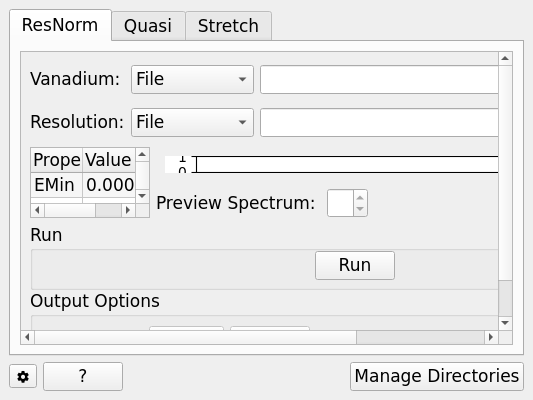
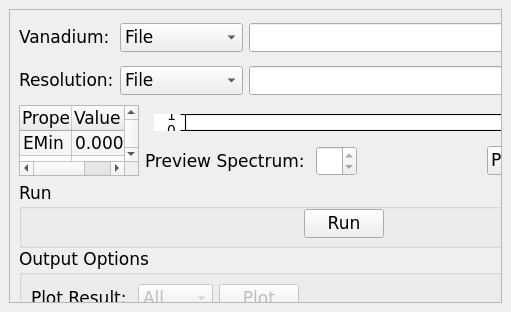
This tab creates a group ‘normalisation’ file by taking a resolution file and fitting it to all the groups in the resolution (vanadium) data file which has the same grouping as the sample data of interest.
The routine fits the width of the resolution file to give a ‘stretch factor’ and the area provides an intensity normalisation factor.
The fitted parameters are in the group workspace with suffix _ResNorm with additional suffices of _Intensity & _Stretch.
The processing on this tab is provided by the ResNorm algorithm.
Options#
Parameter |
Description |
|---|---|
Vanadium File |
Either a reduced file created using the Energy Transfer tab or a \(S(Q, \omega)\) file |
Resolution File |
A resolution file created using the Calibration Tab |
Plot Current Preview |
Plots the currently selected preview plot in a separate external window |
EMin & EMax |
The energy range to perform fitting within |
Preview Spectrum |
Changes the spectrum displayed in the preview plot |
Run |
Runs the processing configured on the current tab |
Plot |
Plots the selected parameter stored in the result workspaces |
Save Result |
Saves the result in the default save directory |
Quasi#
The model that is being fitted is that of a \(\delta\)-function (elastic component) of amplitude \(A(0)\) and Lorentzians of amplitude \(A(j)\) and HWHM \(W(j)\) where \(j=1,2,3\). The whole function is then convolved with the resolution function. The -function and Lorentzians are intrinsically normalised to unity so that the amplitudes represent their integrated areas.
For a Lorentzian, the Fourier transform does the conversion: \(1/(x^{2}+\delta^{2}) \Leftrightarrow exp[-2\pi(\delta k)]\). If \(x\) is identified with energy \(E\) and \(2\pi k\) with \(t/\hbar\) where t is time then: \(1/[E^{2}+(\hbar / \tau)^{2}] \Leftrightarrow exp[-t /\tau]\) and \(\sigma\) is identified with \(\hbar / \tau\). The program estimates the quasielastic components of each of the groups of spectra and requires the resolution file and optionally the normalisation file created by ResNorm.
For a Stretched Exponential, the choice of several Lorentzians is replaced with a single function with the shape : \(\psi\beta(x) \Leftrightarrow exp[-2\pi(\sigma k)\beta]\). This, in the energy to time FT transformation, is \(\psi\beta(E) \Leftrightarrow exp[-(t/\tau)\beta]\). So \(\sigma\) is identified with \((2\pi)\beta\hbar/\tau\) . The model that is fitted is that of an elastic component and the stretched exponential and the program gives the best estimate for the \(\beta\) parameter and the width for each group of spectra.
Options#
Parameter |
Description |
|---|---|
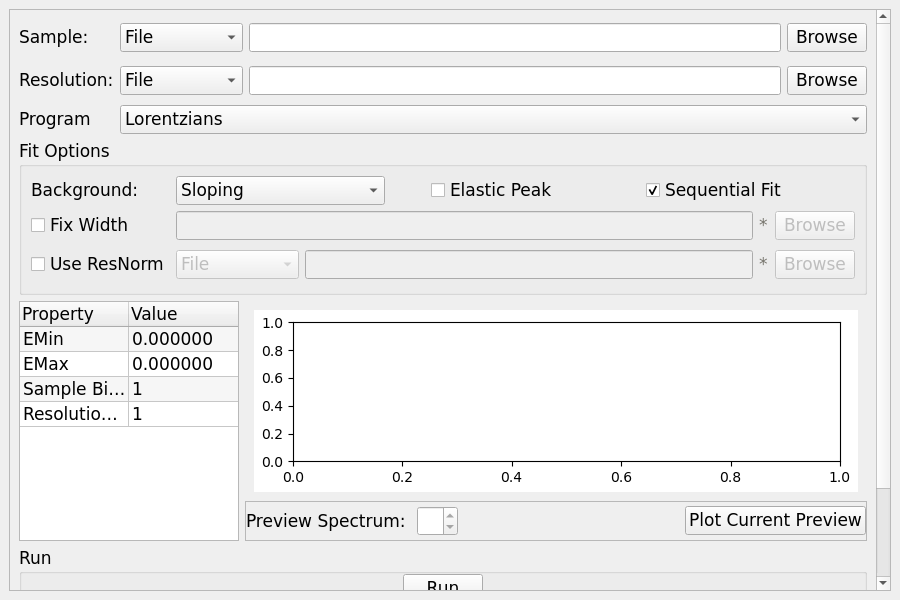
Sample |
Either a reduced file created using the Energy tab or a \(S(Q, \omega)\) file. |
Resolution |
A resolution file created using the Calibration Tab |
Program |
The curve fitting program to use |
Background |
The background fitting program to use |
Elastic Peak |
If an elastic peak should be used |
Sequential Fit |
Enabled multiple fitting iterations |
Plot Current Preview |
Plots the currently selected preview plot in a separate external window |
Fix Width |
Allows selection of a width file |
Use ResNorm |
Allows selection of a ResNorm output file or workspace to use with fitting |
EMin & EMax |
The energy range to perform fitting within |
Sample Binning |
Sample binning to use |
Resolution Binning |
Resolution binning to use |
Preview Spectrum |
Changes the spectrum displayed in the preview plot |
Run |
Runs the processing configured on the current tab |
Plot |
Plots the selected parameter stored in the result workspaces |
Save Result |
Saves the result in the default save directory |
Stretch#
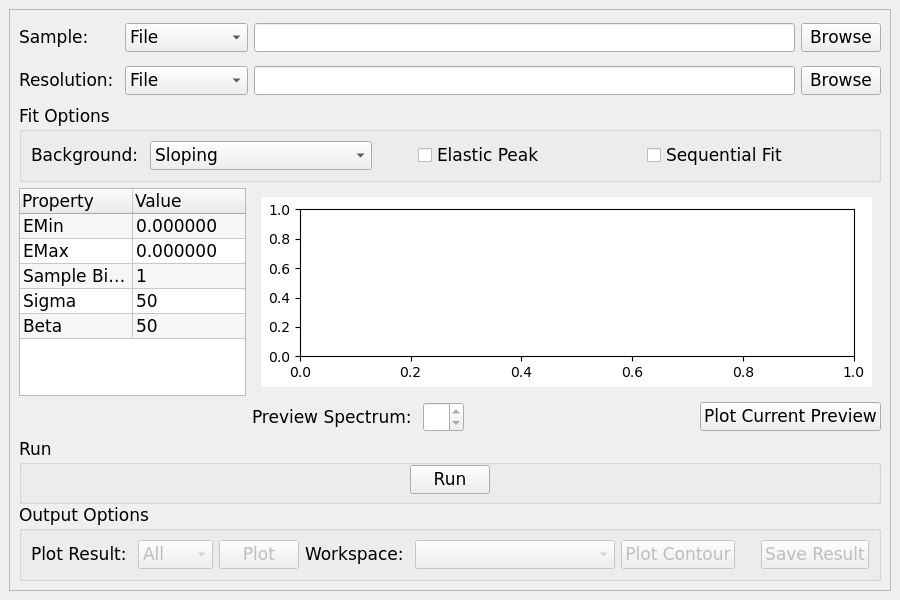
This is a variation of the stretched exponential option of Quasi. For each spectrum, a fit is performed for a grid of β and σ values. The distribution of goodness of fit values is plotted. Some of the options change depending on the underlying model selected.
Options#
Parameter |
Description |
|---|---|
Sample |
Either a reduced file created using the Energy tab or a \(S(Q, \omega)\) file. |
Resolution |
A resolution file created using the Calibration Tab |
Background |
The background fitting program to use |
Elastic Peak |
If an elastic peak should be used |
EMin & EMax |
The energy range to perform fitting within |
Sigma |
Number of Sigma(FWHM) values |
Beta |
Number of Beta values |
Plot Current Preview |
Plots the currently selected preview plot in a separate external window |
Preview Spectrum |
Changes the spectrum displayed in the preview plot |
Run |
Runs the processing configured on the current tab |
Plot |
Plots the selected parameter stored in the result workspaces |
Plot Contour |
Produces a contour plot of the selected workspaces |
Save Result |
Saves the result in the default save directory |
Start Beta |
Initial value of Beta |
End Beta |
Final value of Beta |
Start Sigma |
Initial value of Sigma(FWHM) |
End Sigma |
Final value of Sigma(FWHM) |
Categories: Interfaces | Inelastic